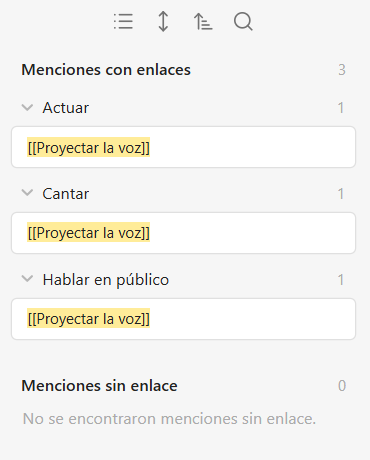
Explain the problem as you see it
I'm mostly a keyboard navigator (Windows) and there is no zoom out button. When I search a node and I want to go a level above, there is no shortcut for that. We only have the go back button (Alt + Left), which takes us to the page we were originally.
Why is this a problem for you?
This is a problem because sometimes we don't know where a node is locaded. We can seach and select, but for going one level up in the breadcrumbt route I would need to go to the mouse or the finger pad and click the route
Suggest a solution
Fix the "Zoom out" shortcut in the windows app. As of today (Feb, 25th) it is working as a "Go back" function. It would be good to copy the windows Explorer shortcuts: Alt + Left = Go back. Alt + Up = Zoom out
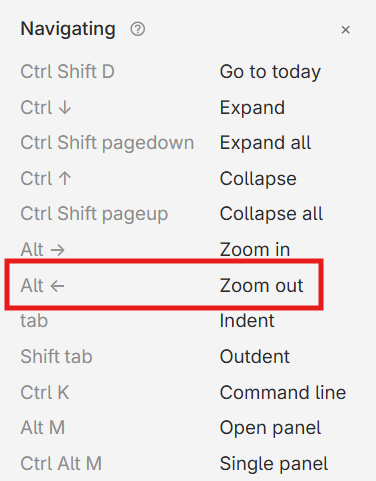
Works as "Go back" instead of "Zoom out" as specified. Please fix